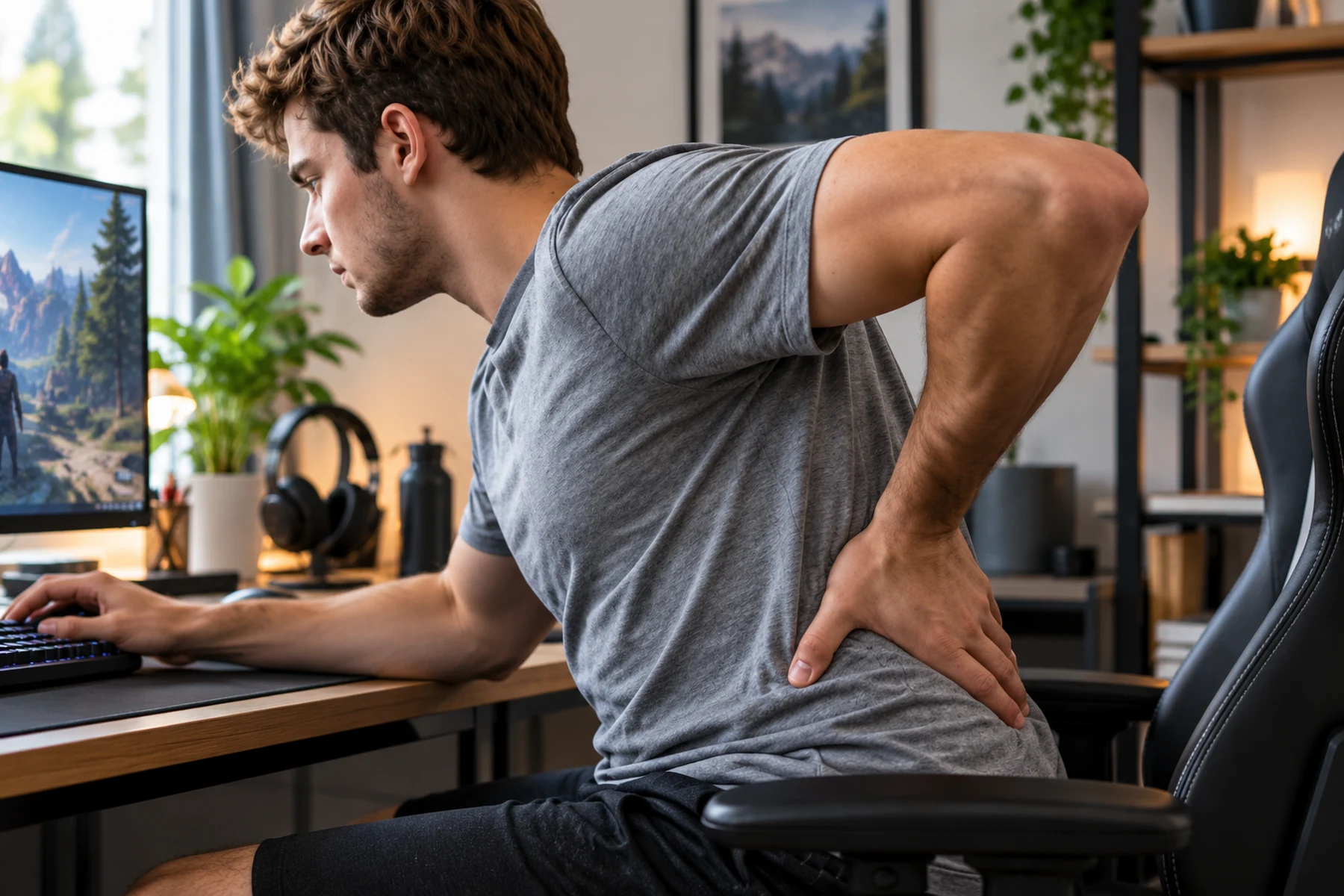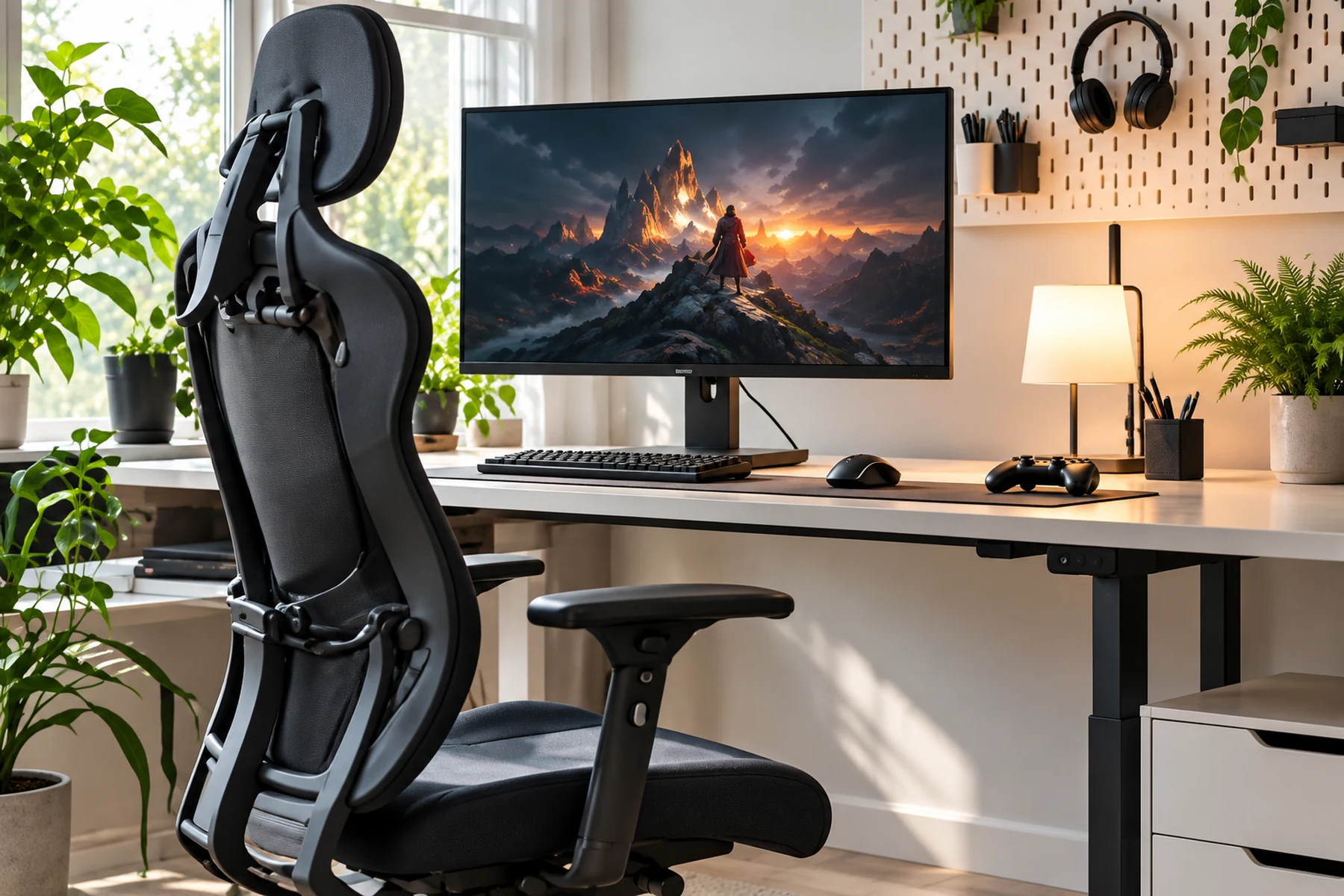
First Decide: Overload or Nerve Symptoms?
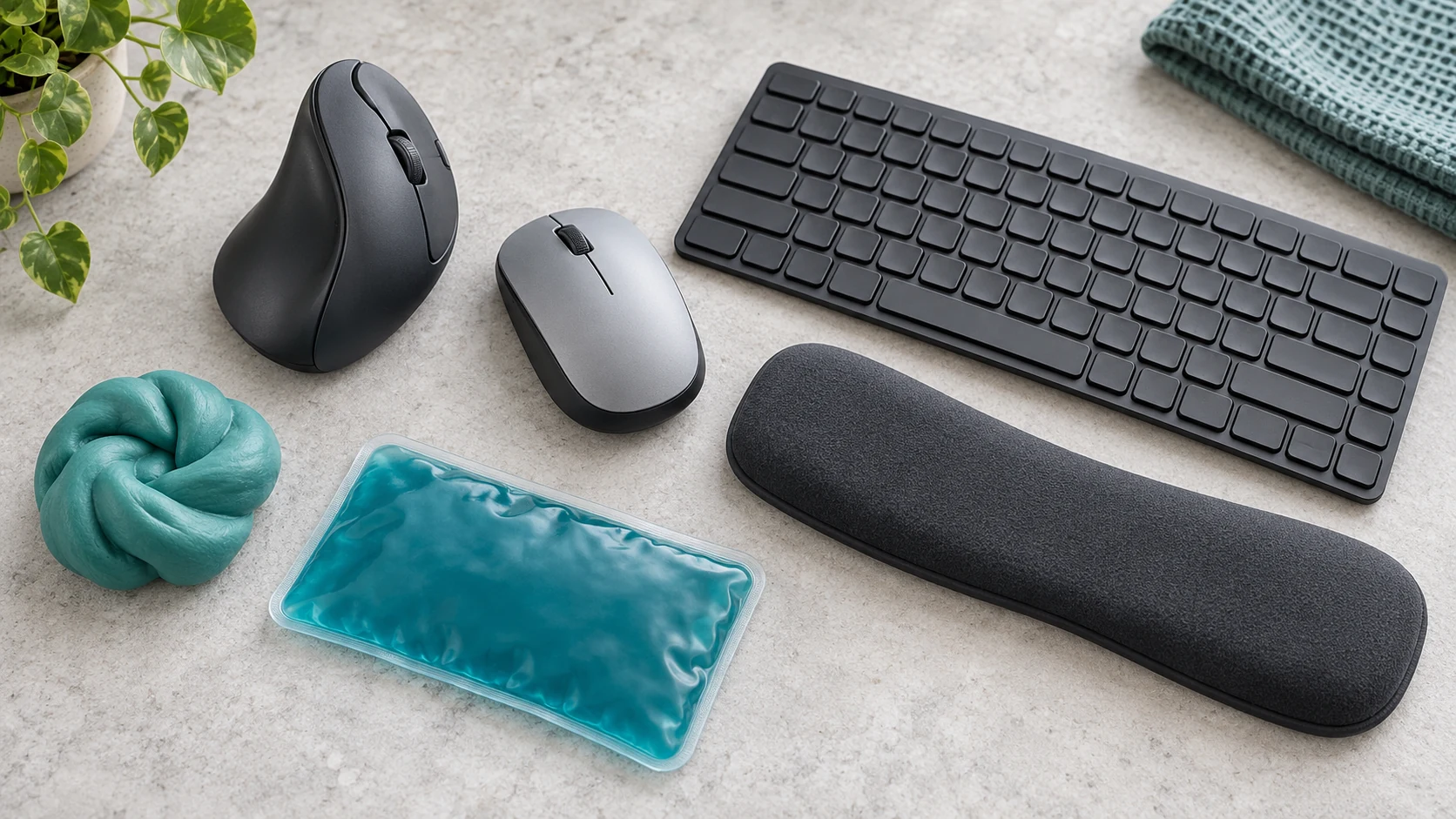
Numbness, burning, tingling, sudden grip weakness or persistent sharp pain are stop signals, not setup problems to troubleshoot while you keep playing. End the session and seek medical advice if those symptoms persist or recur.
A localized muscular ache more often points to accumulated load: repeated clicks, a tight grip, a bent wrist or pressure from the desk edge. Begin by loosening the mouse grip and bringing the forearm level with the desk. A lower sensitivity can also move more of the work toward the elbow and shoulder.
Where Hand and Wrist Load Comes From
Gaming input mechanics place unique and punishing demands on the distal upper extremities. You are combining thousands of rapid finger clicks per hour with static stabilization of a mouse shell or controller chassis. The intrinsic muscles of the hand lack the robust blood supply found in larger proximal muscle groups. Consequently, metabolic waste accumulates rapidly inside the constrained compartments of the forearm and carpal tunnel.
High Frequency Repetition and Tendinosynovial Friction
Rapid repetitive clicking and key presses require continuous excursion of the flexor digitorum tendons directly through the carpal canal. With high actions-per-minute execution over prolonged hours, repetitive mechanical friction promotes local inflammatory cascade responses. You experience this internal friction as stiffness, heat, and crepitus upon waking. Tendon sheaths thicken in response to chronic friction, reducing available space inside the carpal tunnel and subsequently crowding the median nerve.
Isometric Grip Force and Contact Compression
Competitive tension frequently causes players to exert excessive isometric clamp force on the mouse shell. Sustained isometric grip keeps forearm flexors continuously contracted. This sustained tension compresses intramuscular vessels and starves tissues of vital oxygen. Resting the delicate volar wrist crease directly on a sharp desk edge forcefully compresses the underlying median nerve. Gamers often anchor the pisiform bone directly against the mousepad to establish a stable pivot point for aiming. This aiming behavior concentrates extreme mechanical stress directly into a vulnerable anatomical bottleneck.
Sort the Symptom Before Changing Equipment
Effective management requires rigorously categorizing symptoms into either musculoskeletal strain or peripheral nerve compression.
| Clinical Symptom | Involved Anatomical Structure | Typical Gaming Trigger | Severity and Action |
|---|---|---|---|
| Dull forearm ache after play | Forearm flexor/extensor muscle belly | Long sessions, excessive grip tension | Mild: Reduce volume, drop grip force |
| Numbness, tingling in thumb to ring finger | Median nerve (Carpal Tunnel) | Wrist extension, contact pressure | Severe: Stop play, seek medical exam |
| Tingling in pinky and outer ring finger | Ulnar nerve (Guyon canal / Cubital) | Elbow resting on hard desk or chair arm | Severe: Stop play, seek medical exam |
| Loss of grip strength, dropping objects | Motor branch nerve compromise | Chronic unresolved nerve entrapment | Critical: Immediate clinical care |
Muscular fatigue typically resolves with rest, hydration, and light mobility work within 48 hours. Neurological symptoms such as tingling, loss of touch sensation, burning, or muscle weakness indicate direct neural irritation. These specific sensations require you to stop playing. Structural compromise to peripheral nerves does not resolve by simply pushing through a match or taping the wrist.
Grip Style Changes Where the Load Lands
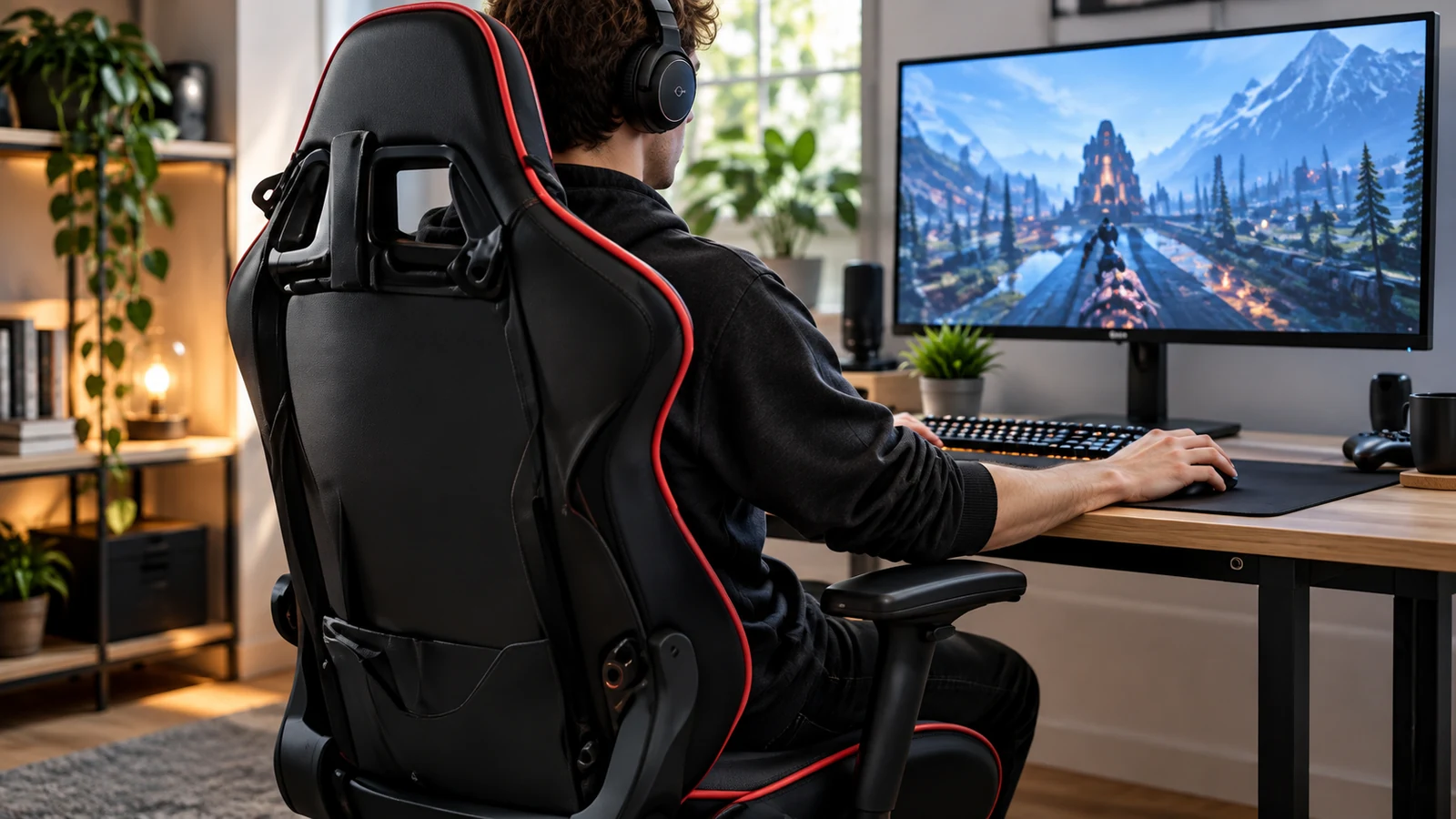
How an athlete grips their peripheral determines which exact anatomical structures bear the kinetic burden of targeting.
| Grip Category | Primary Kinetic Drivers | Primary Mechanical Risk | Ergonomic Countermeasure |
|---|---|---|---|
| Palm Grip | Large forearm and shoulder muscles | Volar wrist contact pressure on pad | Use arm sleeve, elevate chair slightly |
| Claw Grip | Intrinsic hand muscles and finger flexors | High tendon tension across PIP joints | Adopt wider mouse shell to reduce pinch |
| Fingertip Grip | Distal digital flexors, thumb abductors | Intense intrinsic muscle fatigue | Lower overall weight of mouse shell |
Fingertip and tight claw grips allow rapid micro-adjustments in tactical shooters. They also generate exceptionally high isometric contraction in the intrinsic lumbricals and interossei of the hand. Migrating toward a fuller ergonomic palm profile actively relieves distal tendon tension. Hand dimensions must precisely correlate with mouse shell volume to prevent excessive pinch grips. A narrow mouse forces the thumb and pinky to clamp inward constantly.
Sensitivity Decides How Much the Wrist Has to Do
In-game sensitivity settings dictate whether mechanical work is handled by large proximal joints or fragile distal tendons.
High DPI Wrist Pivoting Risks
Players using high sensitivity anchor the carpal bones to the desk and execute crosshair targeting entirely through isolated wrist flexion and ulnar deviation. This strategy concentrates all friction within a tight zone. It severely overloads the triangular fibrocartilage complex on the pinky side of the wrist joint. Any snapping, popping, or clicking localized to the pinky side of the wrist serves as an early indicator of degradation.
Low DPI Whole Arm Motion Advantages
Lowering sensitivity forces targeting motions to originate from the larger shoulder joint and elbow hinge. The large deltoid, latissimus, and bicep muscle groups easily absorb rapid deceleration forces. They spare small wrist tendons from high-velocity shock loads and shear stress. Moving to a larger mousepad and training the shoulder to handle wide arcs distributes mechanical strain across structures biologically designed for heavy load absorption.
A Ten-Minute Check at the Desk
Use this desk check to identify external mechanical strain on the hands and wrists. Immediate physical modifications to your desk geometry halt tissue degradation instantly.
Bring the Forearm Level With the Desk
Adjust chair height so forearms rest completely parallel to the desk surface. This geometric alignment eliminates upward or downward wrist angles. If the desk is too high, elevate the chair cylinder to match the desk and install a solid footrest to maintain stable ground contact.
Remove Pressure From the Desk Edge
Ensure the ventral wrist crease does not press into the hard corner of the desk. Move the mousepad forward. Position the arm further onto the desk surface so the fleshy forearm belly bears the contact weight. Hard edge compression mechanically crushes the fragile median nerve.
Loosen the Grip
Deliberately practice holding the mouse with only the absolute minimum force required to move it across the mousepad. Break the unconscious death grip habit during low-stakes aim training scenarios. Tension bleeding into the hand directly degrades tracking accuracy.
Let the Arm Share the Movement
Gradually reduce in-game sensitivity by 10 percent increments. Encourage broad mechanical sweeps powered by the elbow and shoulder rather than high-frequency wrist flicking. Expand your mousepad real estate significantly to physically accommodate wider lateral movements.
Give the Hands a Real Break
Drop your hands entirely from all input hardware for at least 60 seconds every single half hour. Connective tissues must experience periodic mechanical unloading to effectively replenish synovial fluids. A brief break recalibrates tissue tension and restores capillary blood flow.
Stop Playing and Seek Care When Symptoms Escalate
Continuing to play through severe nerve or tendon symptoms can result in permanent neurological deficits. Chronic connective tissue degradation may require months of physical therapy to heal if ignored early in the injury cycle.
Discontinue gaming immediately and consult a physician if you experience true numbness or pins-and-needles sensations in the hands. Symptoms that wake you during the night are critical red flag warnings of severe nerve entrapment. Visible swelling, redness, or heat radiating around the wrist joint indicates acute inflammatory states requiring medical management. Sudden electric shock sensations shooting into the fingers signal severe median or ulnar nerve impingement. Measurable weakness when attempting to pinch, grip, or hold everyday household objects demands immediate clinical intervention. The mechanical tissue damage must be comprehensively assessed by an orthopedic specialist who can chart an actual rehabilitation timeline based on objective nerve conduction velocity data.