Start by Changing the Environment
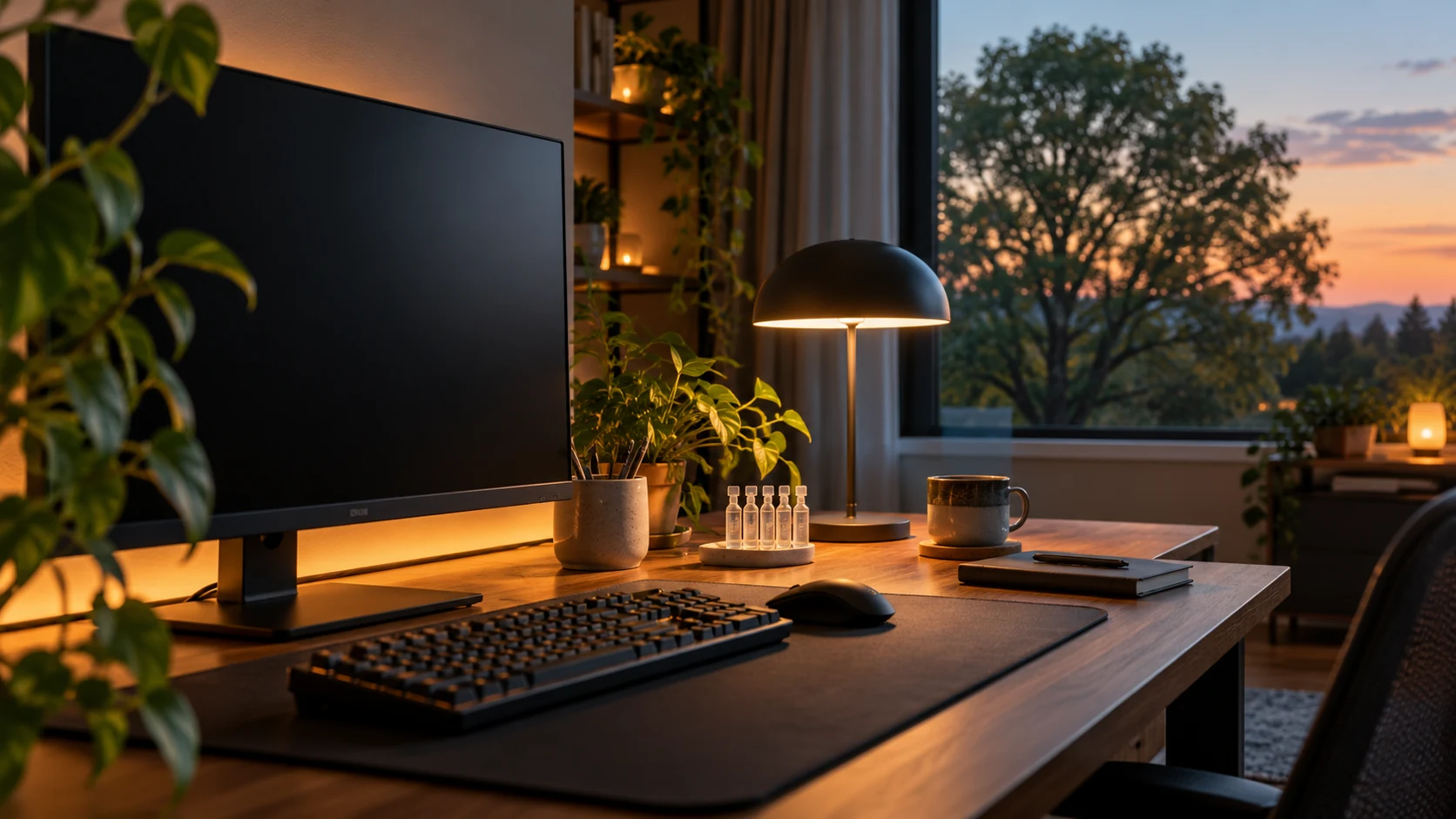
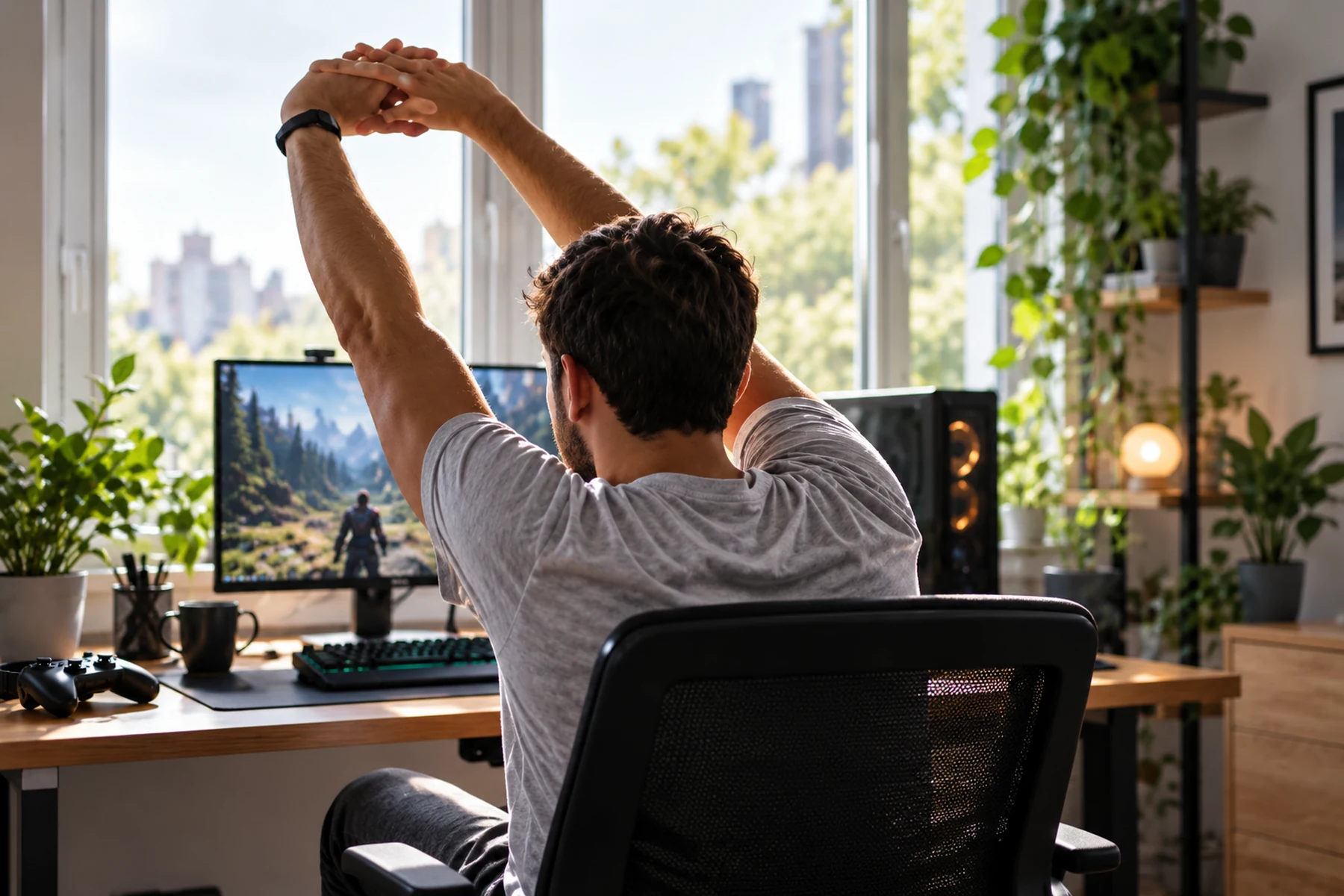
Eye strain during play usually has several inputs at once: fewer complete blinks, a fixed near focus and a bright display in a dark room. Start with the room rather than a supplement. Keep the top of the display near brow level, sit roughly 24 inches away, and add soft light behind the screen.
Lobby queues are useful recovery time. Look at something about 20 feet away for 20 seconds and blink fully several times before the next round begins.
Why Staring at a Near Screen Feels Different
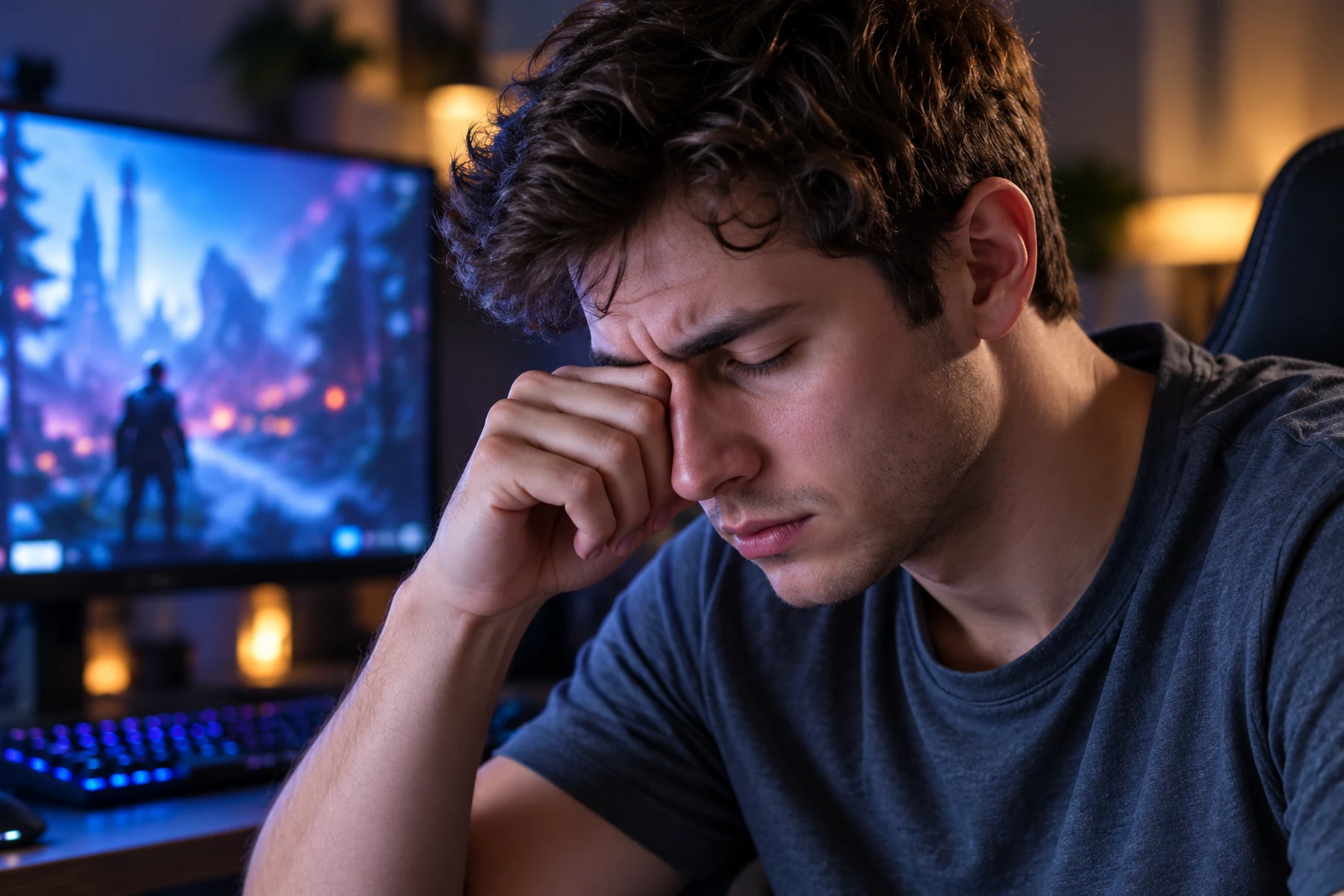
Tracking a strafing opponent requires raw cognitive intensity. The brain prioritizes visual processing speed over ocular maintenance. Normal resting blink rates hover around fifteen complete cycles per minute. Loading into a competitive server tanks that number. Eyelids rarely make full contact during these sparse blinks. Partial closures fail to express fresh lipids from the meibomian glands lining the lid margins. This lipid layer serves as a physical cap over the aqueous tear film. Without it, the water content evaporates into the room air in seconds.
The resulting friction between the eyelid and dry corneal tissue feels like sand. Localized desiccation triggers an emergency response where the lacrimal gland pumps out watery reflex tears. These emergency tears lack the required mucus structure to stick to the eye. They pool along the lower lid and blur your vision precisely when you need mechanical clarity. You wipe your eyes between rounds, worsening the irritation.
Ciliary Muscle Lock
The eye was not evolved to stare at a flat panel emitting light at a fixed two-foot distance for eight hours. Inside the eye, the ciliary body controls the shape of the crystalline lens. Looking at a close object requires this muscle to contract forcefully. The muscle holds that contraction for the entire duration of the match. The medial rectus muscles attached to the outside of the globe also maintain continuous tension to converge both eyes onto the reticle.
Muscle tissue tires under sustained isometric load. The dull ache behind your brow ridge after a prolonged session is literal muscular fatigue. When you finally log off and look across the room, the ciliary muscle refuses to release immediately. Distance vision appears blurry for several minutes. Optometrists call this accommodative spasm. Forcing the muscle to maintain this locked state day after day accelerates early-onset presbyopia.
Match the Symptom to the Likely Source
Generic complaints of tired eyes are useless for troubleshooting. Identifying the specific pain vector dictates the required hardware adjustment.
| Pain Signature | Physiological Mechanism | Immediate Fix | Permanent Configuration |
|---|---|---|---|
| Sandy friction and burning | Tear film collapse and dry cornea | Ten slow forced blinks | Lower monitor height |
| Blurred distance vision | Ciliary muscle spasm | Stare across the room | Distance breaks in queue |
| Brow ache and temple pressure | Convergence fatigue | Push monitor back | Scale up UI elements |
| Light sensitivity post game | Iris sphincter exhaustion | Turn on overhead lights | Install bias lighting |
Fix Room Light and Screen Position Together
Playing in a pitch-black room with a bright monitor constitutes a hostile visual environment. The pupil attempts to adapt to two conflicting light levels simultaneously. The fovea demands a tight aperture to resolve sharp edges on high-brightness assets. The peripheral retina registers the dark room and signals the pupil dilator muscle to open wide. This constant fluctuation burns energy and causes photophobia.
Bias Lighting Implementation
The solution is ambient contrast reduction. Mounting a diffuse light strip directly behind the monitor panel addresses the physiological conflict without introducing glare. The light washes the wall behind the display. The peripheral retina registers this localized brightness. The pupil maintains a stable, static aperture matched to the monitor output. Select lighting hardware calibrated to a 6500K color temperature. Avoid bright RGB colors during competitive play. Deep red or blue bias lighting skews visual perception and fails to provide adequate luminance matching.
Display Geometry and Gaze Angle
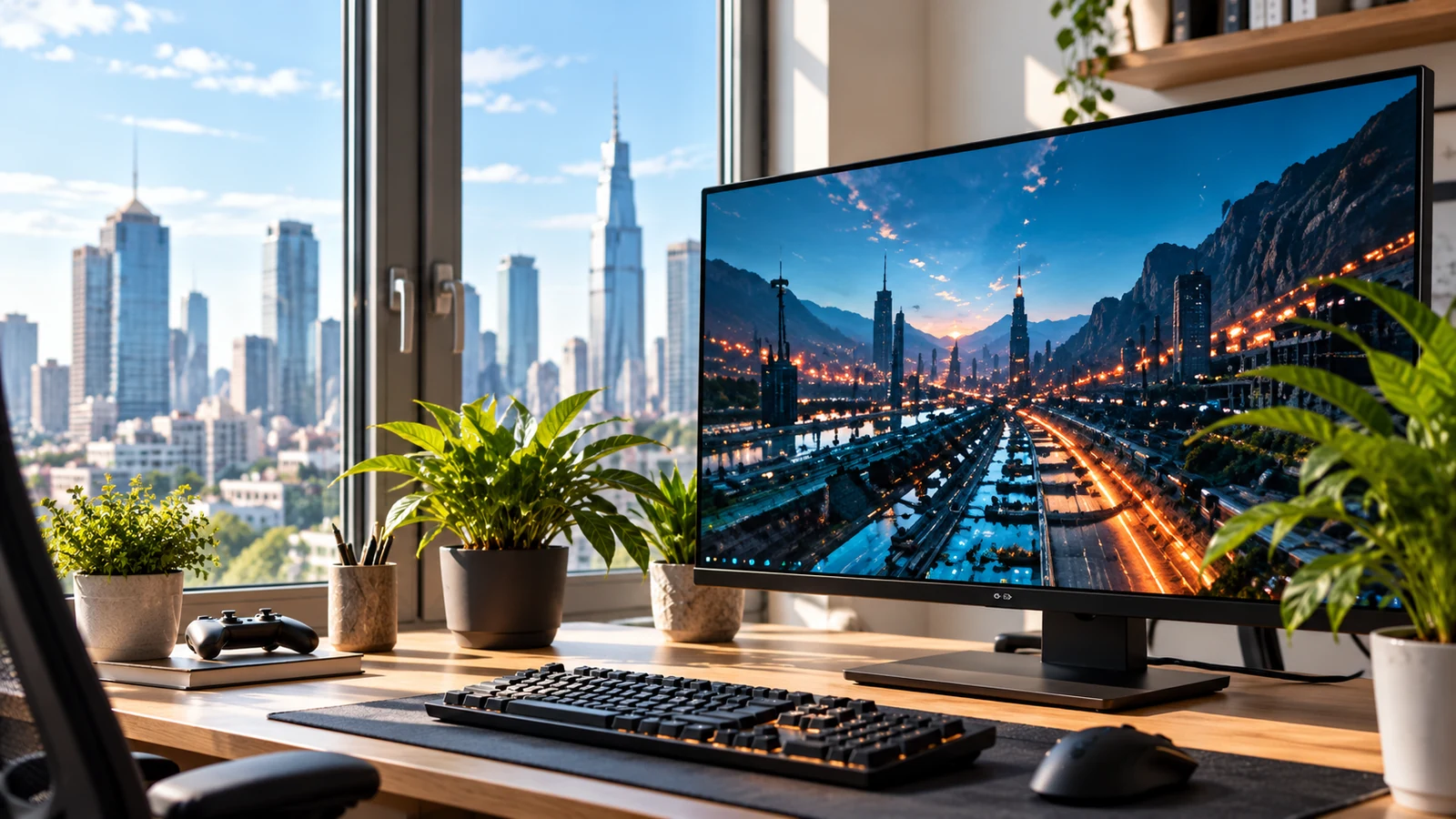
Monitor position dictates corneal exposure. Placing the center of the display at eye level forces the eyes to open widely. A wide-open eye dries out exponentially faster than a partially closed one. Drop the monitor arm on the VESA mount. Align the top bezel with your horizontal sightline. Looking at the center of the screen should require a fifteen-degree downward tilt of the eyes. The upper eyelid naturally drops to cover thirty percent more of the ocular surface. Tear evaporation rates plummet.
Give the Focusing System a Real Break
Muscles require release. The ciliary body requires forced relaxation intervals to clear metabolic waste and reset tension. The standard twenty-minute rule applies directly to competitive match structures.
Forced Distance Fixation
The ciliary muscle achieves total relaxation only when viewing objects at optical infinity, which begins at twenty feet. Find a specific target in your environment. A building outside the window or a door handle down the hall. Shift your focus to that target the instant a match concludes. Lock onto it. Keep it perfectly in focus. Count twenty full seconds. The muscle mechanically flattens the lens and blood flow returns to the ischemic tissue.
Lipid Expression Drills
Combine distance fixation with manual meibomian gland expression. Perform ten exaggerated blinks while looking at your distant target. Squeeze the eyes shut firmly but without engaging the facial muscles. Hold the closure for one second. Open fully. The mechanical action coats the aqueous layer with fresh lipids and stabilizes the tear film for the next block of focused screen time.
Eye Drops: Useful, Limited and Easy to Misuse
Eye drops are tools. The majority of gamers grab whatever redness-relief drops are available at the local pharmacy. These formulations actively sabotage long-term ocular health.
Vasoconstrictor Toxicity
Drops marketed primarily for removing red eye contain vasoconstrictors like tetrahydrozoline. These chemicals clamp down on the blood vessels in the sclera. The eye turns white instantly. The mechanism starves the tissue of oxygen and nutrients. When the chemical wears off, the vessels dilate wider than before to compensate. The eye becomes permanently red and dependent on the chemical.
Preservative Free Lubrication
Purchase lubricating drops containing sodium hyaluronate or carboxymethylcellulose. Crucially, acquire the preservative-free variants packaged in single-use vials. Preservatives like benzalkonium chloride degrade the corneal epithelium when used frequently over long sessions. Preservative-free formulations can be used as needed without the same toxicity limits. Keep a vial on the desk. Drop before the first match.
Color Temperature Matters Mostly at Night
Marketing departments attribute all eye strain to blue light. Clinical data rejects this narrative. Ciliary fatigue and tear evaporation cause gaming eye strain. Standard LED monitor emissions do not possess sufficient energy to induce phototoxic damage to the retina. Blue-blocking glasses provide marginal benefit for actual mechanical strain.
Blue light does dictate circadian entrainment. Intrinsically photosensitive retinal ganglion cells monitor short-wavelength light to determine time of day. Blasting these cells with light from a monitor at midnight halts melatonin synthesis. The ocular surface relies on closed-eye sleep hours to repair cellular damage incurred during gaming sessions. Poor sleep can leave the tear film less stable the following day. Use software-level blue light reduction tools two hours before a planned sleep block.
Tournament-Room Adjustments
LAN environments strip away control over lighting and desk ergonomics. Arrive normally hydrated before stage matches. Systemic dehydration severely impacts tear production volume. If the venue utilizes intense overhead stage lighting, physically angle the monitor panel slightly downward to reject overhead glare. Use the downtime during tech delays to complete several sets of deliberate full blinks. Rely heavily on prophylactic application of preservative-free drops before walking onto the stage.