The 15-Minute Desk Audit
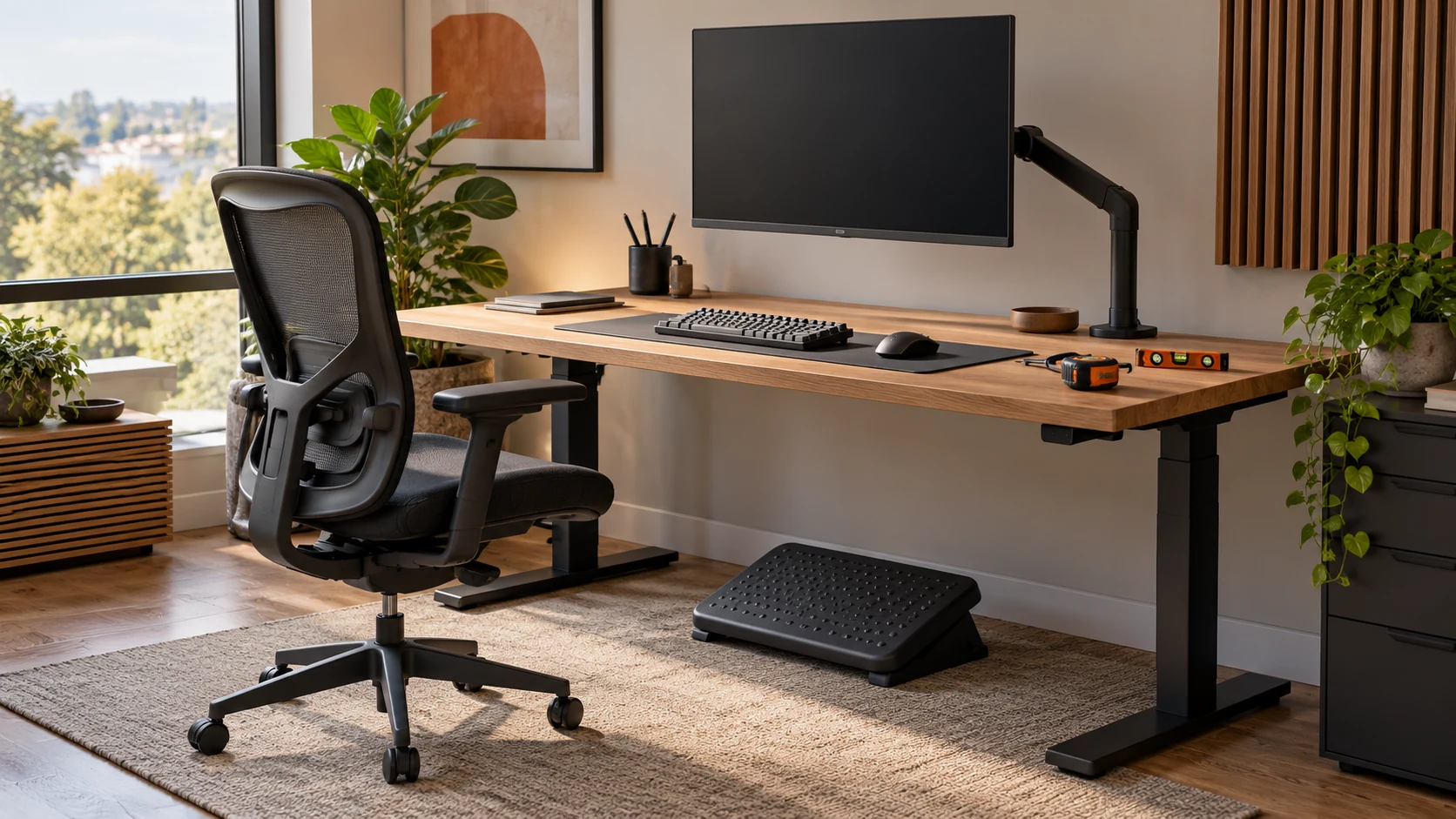
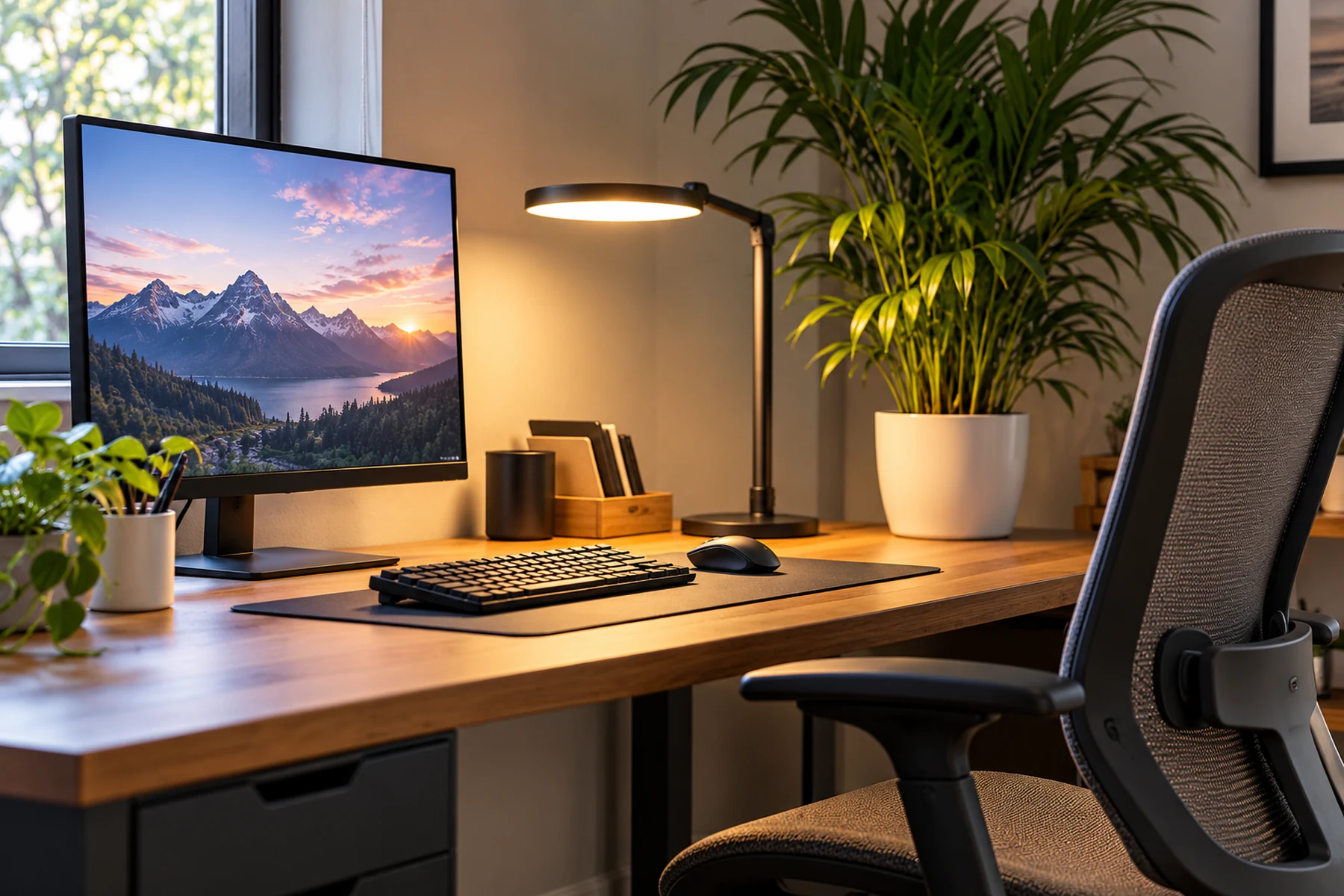
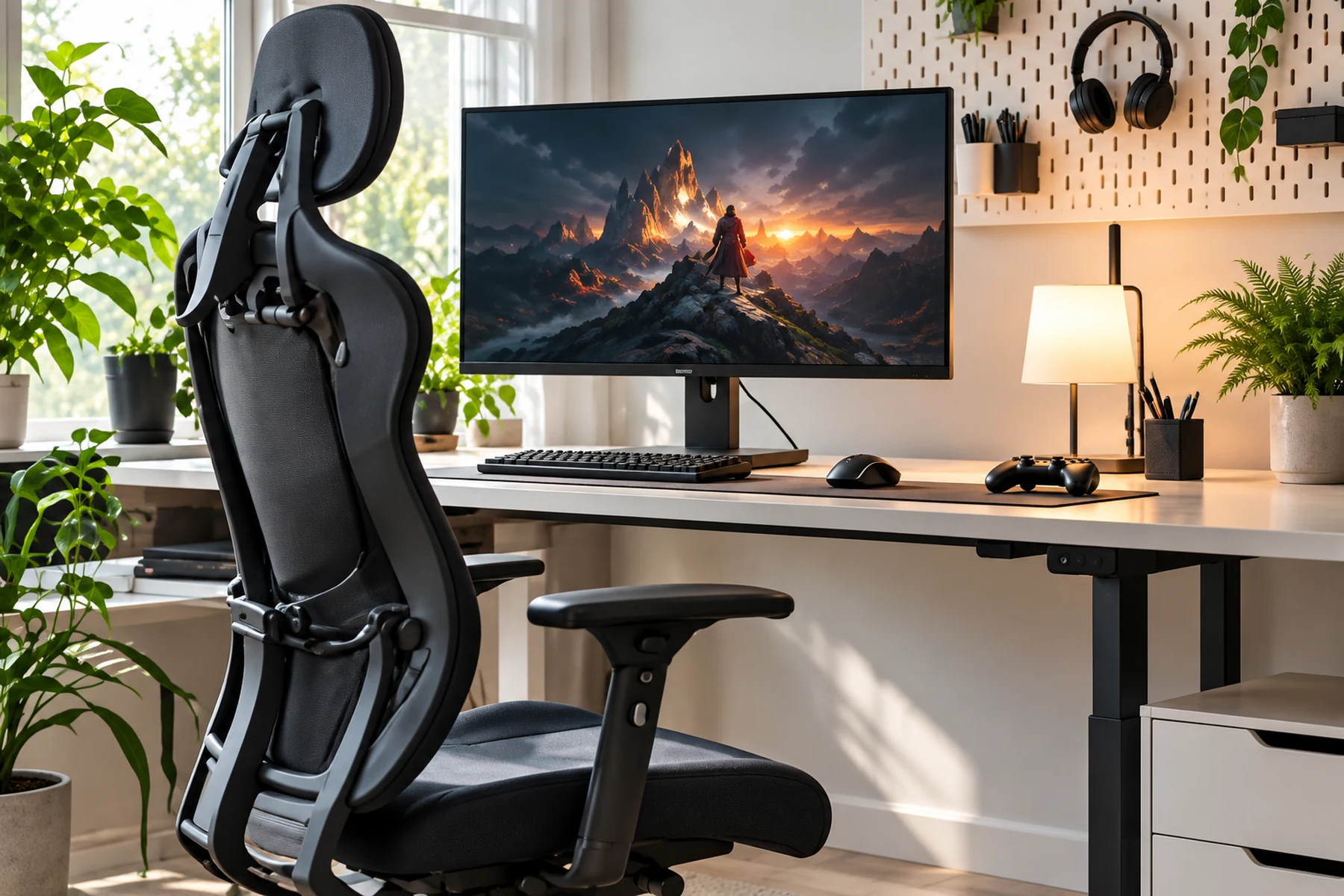
Spend three minutes on each of five zones: lower-body support, desk reach, display position, room lighting and movement. The aim is not to freeze in a perfect posture. It is to find where the workstation makes you reach, brace or crane your neck.
Hold off on buying ergonomic accessories before establishing which mismatch is causing the compensation. Chair height, monitor distance and mouse placement cost nothing to test, and a small adjustment may remove the strain without new hardware.
Look for Mismatches, Not a Perfect Posture
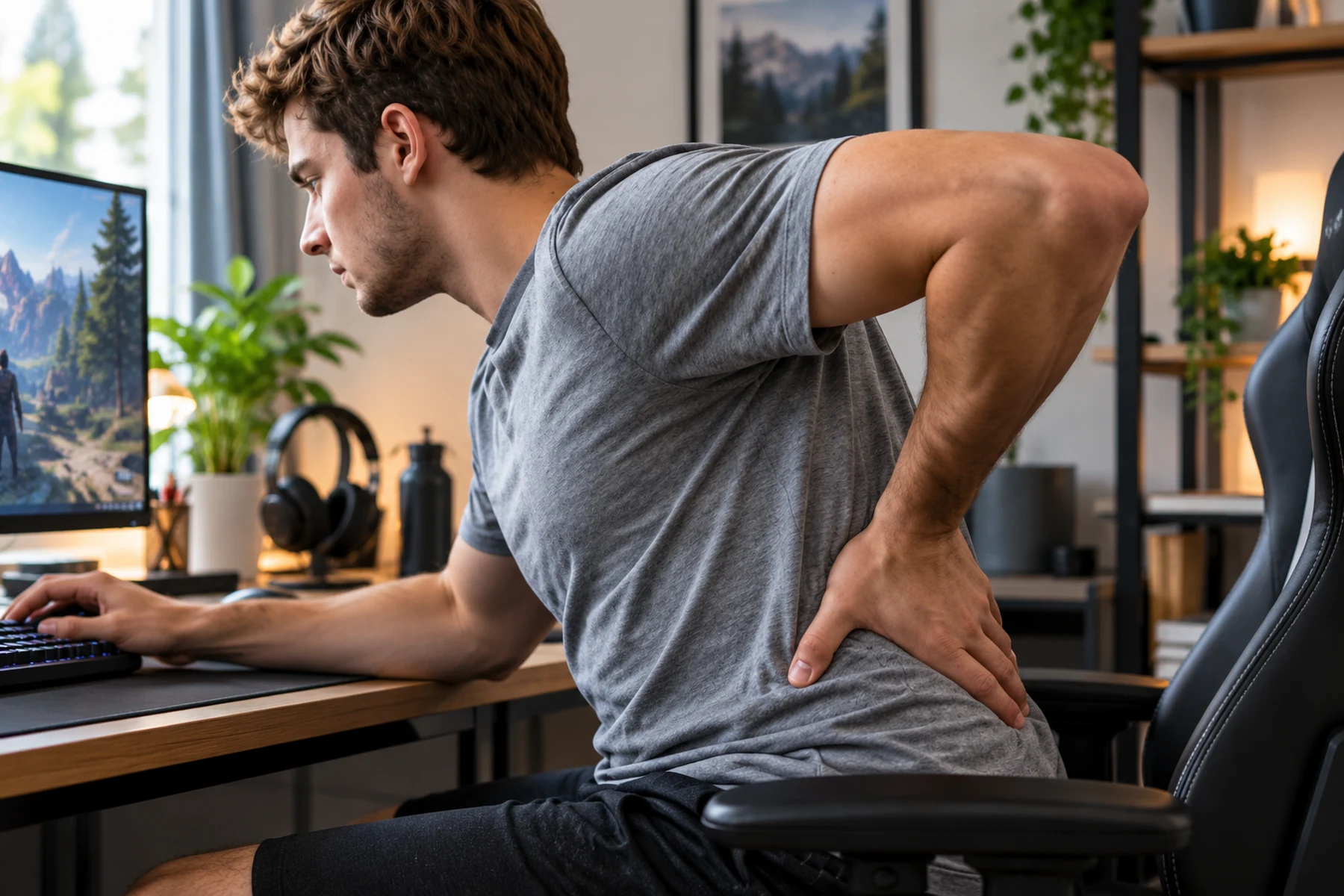
Ergonomic failure happens when workstation dimensions force repetitive reaching or continuous static muscle activation. Evaluating your desk requires working from the floor upward. Establish lower body stability before adjusting input devices and displays.
Eliminating Static Muscle Loading
Muscles held in continuous contraction restrict blood flow. This accumulates metabolic waste products that trigger local soreness over a prolonged match. A high-performance workstation minimizes static load by supporting the limbs. It should allow seamless transitions between upright and slightly reclined sitting angles without breaking your crosshair stability.
Identifying Mismatches Before Buying Gear
Purchasing specialized chairs or monitor mounts without identifying specific dimensional conflicts often introduces new ergonomic issues. Correcting desk height or pulling a keyboard closer frequently resolves symptoms without requiring financial investment. Hardware should solve problems your furniture adjustments cannot fix. Identify the exact point of friction before swapping out your desk.
Minute Zero to Three Lower Body Foundation
The chair and floor interface establishes pelvic stability. This directly determines lumbar curvature and spinal load distribution throughout long competitive brackets. A stable lower body allows the upper body to remain loose for precise aim.
Plantar Contact and Knee Angles
Both feet must rest completely flat on the floor. Body weight must distribute evenly across the soles to prevent pelvic tilting. Thighs should remain roughly parallel to the ground. They can also slope gently downward from the hips at an angle between 90 and 100 degrees.
Seat Depth and Popliteal Clearance
A gap of two to three finger widths must exist between the forward edge of the seat cushion and the back of your knees. If the seat pan contacts the calf tendons, venous blood return is restricted. This forces the player forward, causing lumbar flattening and lower back fatigue by the second hour of scrims.
| Lower Body Parameter | Target Diagnostic Standard | Common Workstation Error | Mechanical Remedy |
|---|---|---|---|
| Plantar Floor Contact | Feet fully flat, zero heel lift | Dangling feet from high chair | Lower chair or add firm footrest |
| Popliteal Clearance | 2 to 3 fingers behind knees | Seat cushion pressing calves | Slide backrest forward or add lumbar pad |
| Lumbar Support Height | Fills inward lordotic curve | Pillow placed too high or low | Reposition support to belt-line level |
| Thigh Angle | Parallel or slight downward slope | Knees pulled higher than hips | Raise chair height to open hip angle |
Minute Three to Six Input Horizon
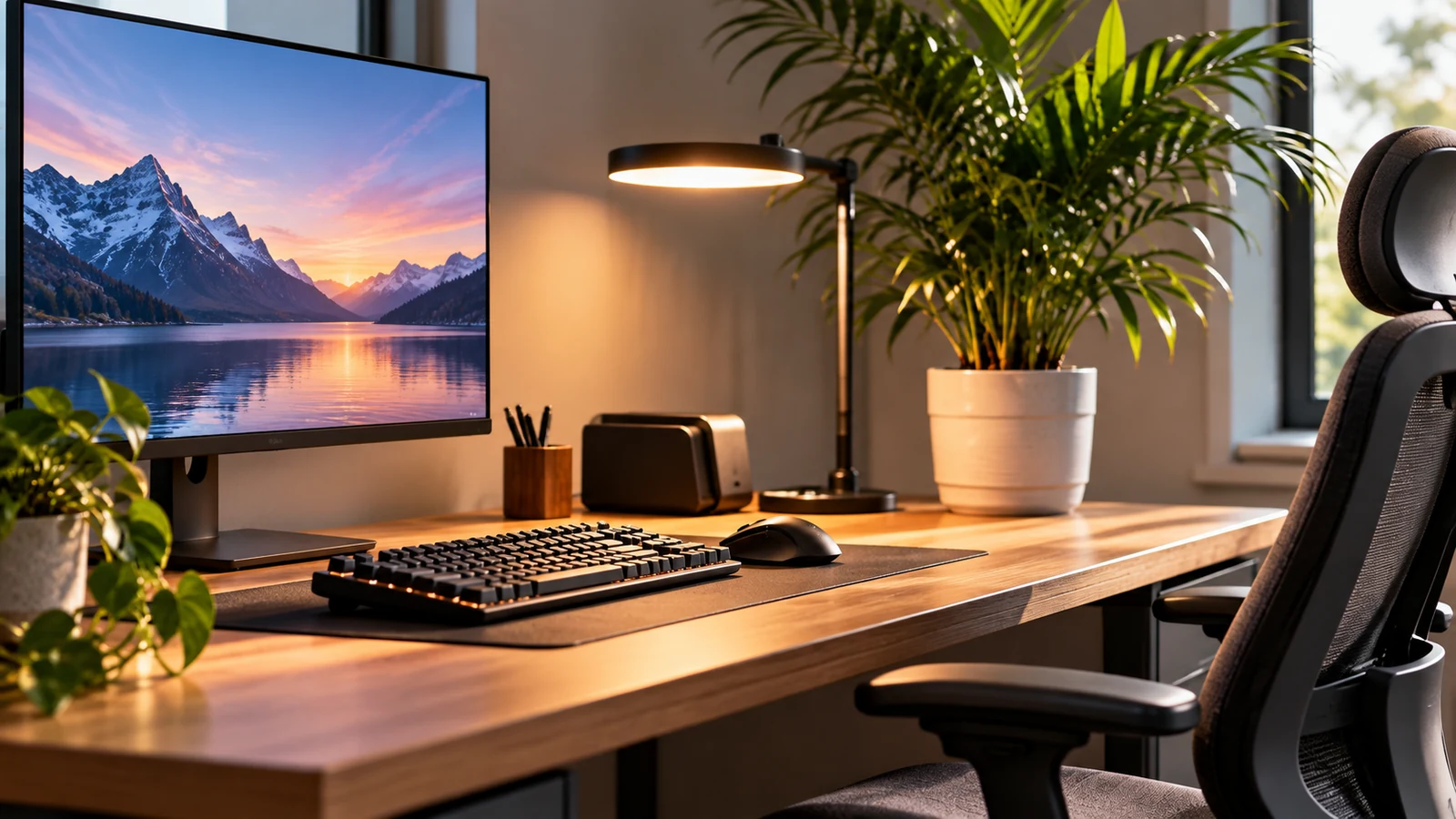
Peripherals dictate shoulder, forearm, and wrist joint angles. Keeping the reach distance to an absolute minimum preserves neutral tendon alignment and allows for faster reaction times.
Neutral Reach Arc
Drop your shoulders and bend your elbows near 90 to 100 degrees. The natural arc your hands trace across the desk defines the neutral reach zone. Both keyboard and mousepad must reside within this zone to prevent forward shoulder reaching and trapezius burnout.
Keyboard Alignment and Wrist Glide
Position your primary key cluster directly in line with your left shoulder. Avoid extending your wrists upward. Maintain a flat or slightly downward-sloping forearm plane. This prevents median nerve compression inside the carpal tunnel during high APM sequences.
Arm aimers need deeper desk space to anchor the forearm, while wrist aimers operate closer to the desk edge. The pivot point must be supported without sharp edges digging into the skin.
| Input Parameter | Target Alignment | Compensatory Posture | Musculoskeletal Risk |
|---|---|---|---|
| Forearm Elevation | Elbows at 90–100 degrees, level with desk | Elevated shoulders, flared elbows | Trapezius fatigue, rotator cuff strain |
| Wrist Extension | Neutral, flat wrist alignment | Sharp upward bend against desk | Carpal tunnel intracanalicular pressure |
| Mouse Reach Width | Mouse situated close to keyboard edge | Arm abducted widely to right | Infraspinatus tension, shoulder impingement |
Minute Six to Nine Display Height
Visual targets dictate head position. When a display is improperly placed, cervical musculature must contract continuously to stabilize the gaze. A screen placed too high forces extension, while one placed too low demands constant flexion.
The Downward Sightline Rule
Your resting eye line should align with the top 20 to 30 percent of the monitor panel. Looking slightly downward matches the natural resting convergence angle of human eyes. This reduces ocular fatigue and cervical neck extension over extended practice blocks.
Distance Calibration and UI Scaling
Position the screen roughly an arm length away. If you catch yourself craning your neck forward to read small text, increase in-game UI scaling to preserve a neutral spinal alignment. Pushing the monitor back improves your field of view for radar and peripheral UI elements.
Minute Nine to Twelve Ambient Lighting
Visual glare triggers subconscious head tilting. Players contort their necks to avoid screen reflections without realizing it. This asymmetrical neck loading causes severe stiffness.
| Lighting Variable | Target Environment | Common Flaw | Corrective Action |
|---|---|---|---|
| Direct Glare | Zero visible reflections on display | Unshaded window behind chair | Install blinds or reorient desk |
| Contrast Ratio | Balanced room and display luminance | Playing in pitch-black room | Add soft diffuse bias lighting |
| Light Distribution | Indirect, non-pointing illumination | Overhead lamp reflecting off bezel | Deflect light off walls or ceiling |
Minute Twelve to Fifteen Dynamic Movement
No workstation configuration protects against prolonged immobility. Incorporating dynamic intervals preserves joint lubrication and disc health over time. Sitting perfectly still is mechanically detrimental regardless of how ergonomic the chair is.
The Posture Reset
Treat every match conclusion or 45-minute training block as a mandatory movement trigger. Stand completely upright. Walk briefly and allow spinal discs to decompress before queuing for the next round. This flushes lactic acid from the lower body.
Intra Match Unloading Drills
During in-game death timers or map transition screens, drop both arms completely to your sides. Shake out wrist tension. Perform three slow diaphragmatic breaths to reset sympathetic nervous tone and reduce muscle guarding in the shoulders.
Keep These Settings as a Reference
Systematically verify each item across the five workstation zones to ensure a mechanically sound setup. Treat this as a pre-flight routine before competitive matches.
Chair and Lower Extremities
- Feet rest completely flat on the floor or on a stable footrest
- Two to three fingers clearance between seat cushion and back of knees
- Thighs rest parallel to floor or slope slightly downward
- Lumbar support aligns directly with the inward lower back curve
Desk and Upper Extremities
- Desk height permits forearms to rest parallel to desk without shrugging shoulders
- Armrests support elbows lightly without forcing shoulders upward
- No sharp desk edges press into the ventral surface of forearms or wrists
Input Devices and Reach
- WASD keys and mousepad reside inside the natural reach arc
- Wrists maintain a flat neutral line during mouse tracking and keyboard use
- Mouse reach does not force the right elbow outward away from the ribcage
Monitor and Optics
- Top third of the display panel aligns with resting horizontal eye level
- Screen sits roughly arm length away from your face
- Primary gaming monitor is centered directly on the midline of the body
- In-game HUD scale permits clear reading without forward neck protrusion
Lighting and Breaks
- Zero bright light sources reflect off the screen surface
- Ambient room lighting is balanced with screen brightness
- Structured standing breaks are scheduled every 45 to 60 minutes
Adjust First; Buy Only if the Mismatch Remains
Invest in ergonomic accessories only when adjustments to your existing equipment cannot resolve a documented mechanical mismatch.
A footrest is indicated if lowering the desk is impossible and raising the chair leaves feet unsupported. A monitor mounting arm is necessary if the native monitor stand lacks sufficient vertical range to position the top third at eye level. A compact keyboard is required if a full-sized numpad forces the mouse too far to the right and creates persistent shoulder abduction strain. Identify the specific variable causing discomfort before replacing components.